Loading...

Free Software

This is a legacy software and is no longer supported

Logix Data Transfer Utility

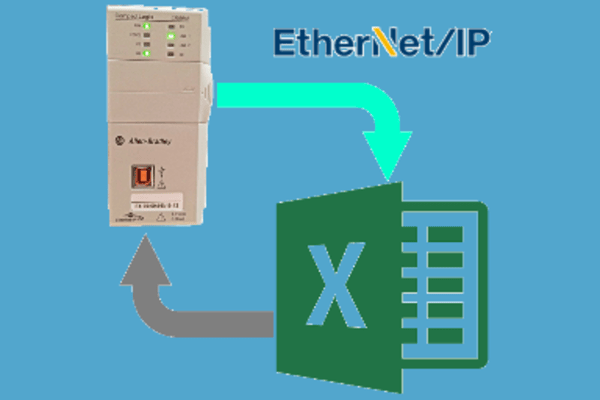
Logix Data Transfer Utility Software enables seamless Excel file upload and download with ControlLogix and CompactLogix PLCs via Ethernet. It solves the challenge of backing up recipe data from PLCs directly into Excel files. The software is user-friendly and requires no additional tools like RSLinx, OPC Server, or RSLogix. A simple, reliable solution for managing and securing your machine recipe data.
Key Features

  • Read PLC tag values from ControlLogix/CompactLogix directly into Excel.
  • Write saved Excel values back to PLC tags instantly.
  • No dependency on RSLinx, OPC Server, or RSLogix.
  • Simple Excel-based interface for easy recipe management

Benefits

  • Easy backup and restore of PLC recipe data.
  • Save time with fast Excel-to-PLC transfers.
  • Reduce cost by eliminating additional PLC software.
  • User-friendly design for engineers and operators.

Support PLC's

Controllogix

  • 1756-L61 to L65
  • 1756-L71 to L75
  • 1756-L81E to L85E

Compactlogix

  • L16ER
  • L18ER
  • L24ER
  • L27ER
  • L30ER
  • L31E
  • L32E
  • L33ER
  • L36ER
  • L43
  • L45

How to Install

  • Extract the Logix Data Transfer Utility.rar file.
  • Install prerequisites – run vc_redist.x86.exe and complete the installation.
  • Install the software – run Logix Data Transfer Utility.exe and follow the on-screen instructions.

Release Note

  • Release Date:06-12-2020
  • Version:V1.0
  • Details:Initial Release
  • Note:This is a legacy software and is no longer supported